Efficient Tool for Copying Prismic Documents
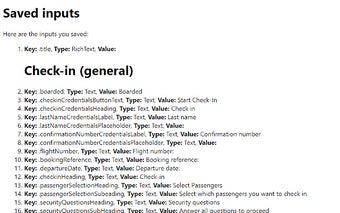
The Prismic Document Copying Tool is a free Chrome extension designed to streamline the process of copying document inputs within Prismic.io. This tool specifically supports transferring text and RichText inputs between different tabs, making it a valuable resource for users who work with multiple documents simultaneously. The functionality is straightforward: users can easily copy content from the source document using a simple keyboard shortcut and paste it into the destination document, enhancing productivity and efficiency.
To utilize the extension, users begin by selecting the source Prismic document and using the Alt+S shortcut to copy the desired content. Transitioning to the target document of the same type, they can paste the copied input using Shift+Alt+S. The extension also allows users to customize these keyboard shortcuts in the settings for a more personalized experience. This tool is particularly useful for those managing extensive content across multiple tabs.